Computer Science
In computer science, we started off our year by learning HTML so that we could code the amazing website that you can see in front of your eyes. After completing the website, we began to learn Java. Our curriculum is closely aligned with the CSA curriculum, so this class will, for the most part, set us up to take the CSA exam in the spring.
Stars Lab
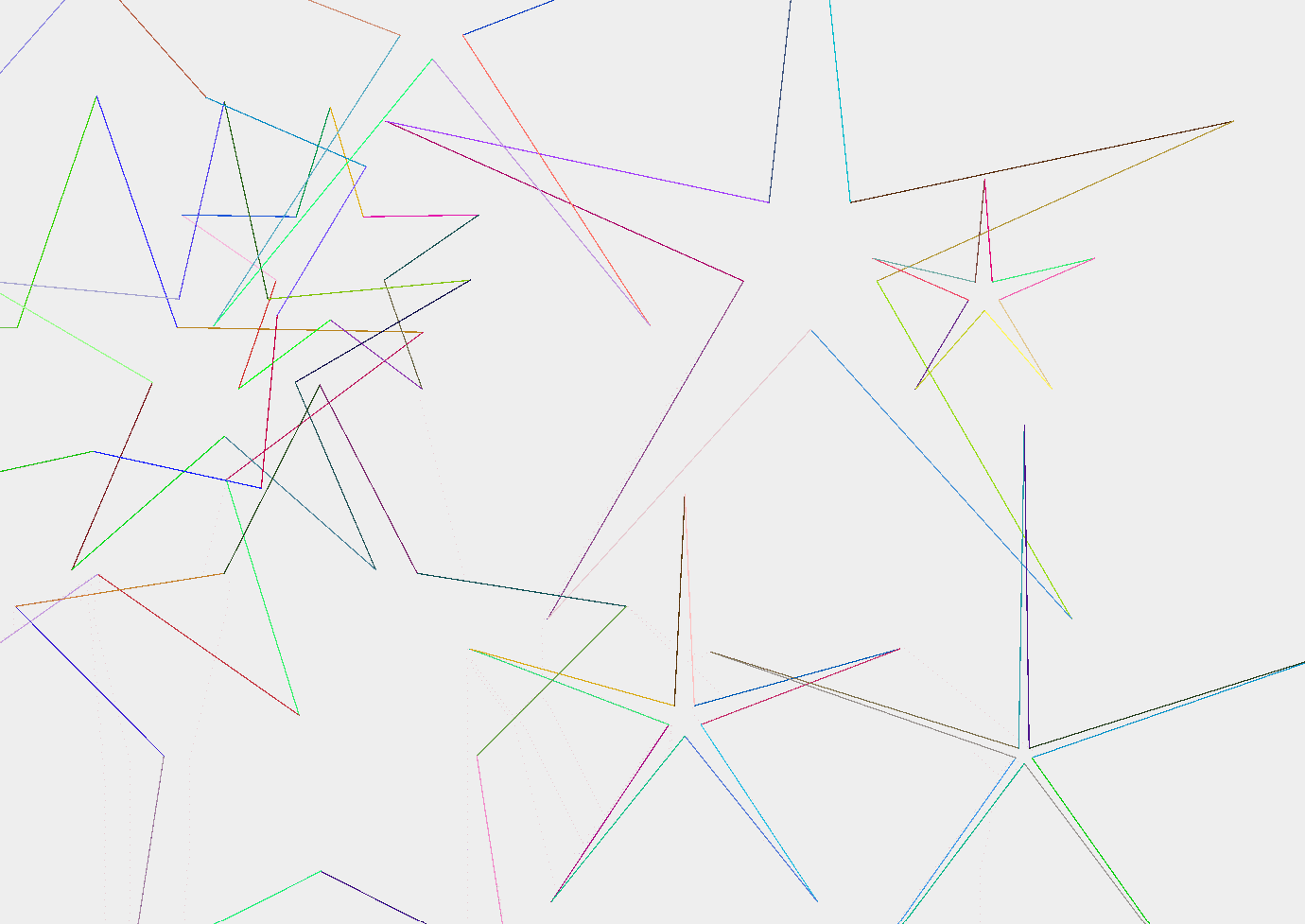
For each topic that we learn about in CS, there is always a lab or exercise to accompany it. While we were learning about static arrays, one of the exercises was to create 10 stars using an array of points, that being an array of x and y coordinates. My first iteration of the code did not come out exactly how I wanted it to, which you can see below. I thought it looked cool, so you can view the code here.

Completed Stars Lab
I tweaked the code for the Stars Lab a little, and I was eventually able to create the 10 stars, which you can see below. I found out that the thing that made the difference as to why the stars were weird was the data storage type I was using. Instead of knowing the coordinates to, say, 15 decimal places, my code only knew the coordinates as integers, which is not precise at all. In my new version, I changed the data storage type of the coordinates to be precise to 15 decimal places, which led to normal looking stars. To see my code, click here.
Line Art Lab
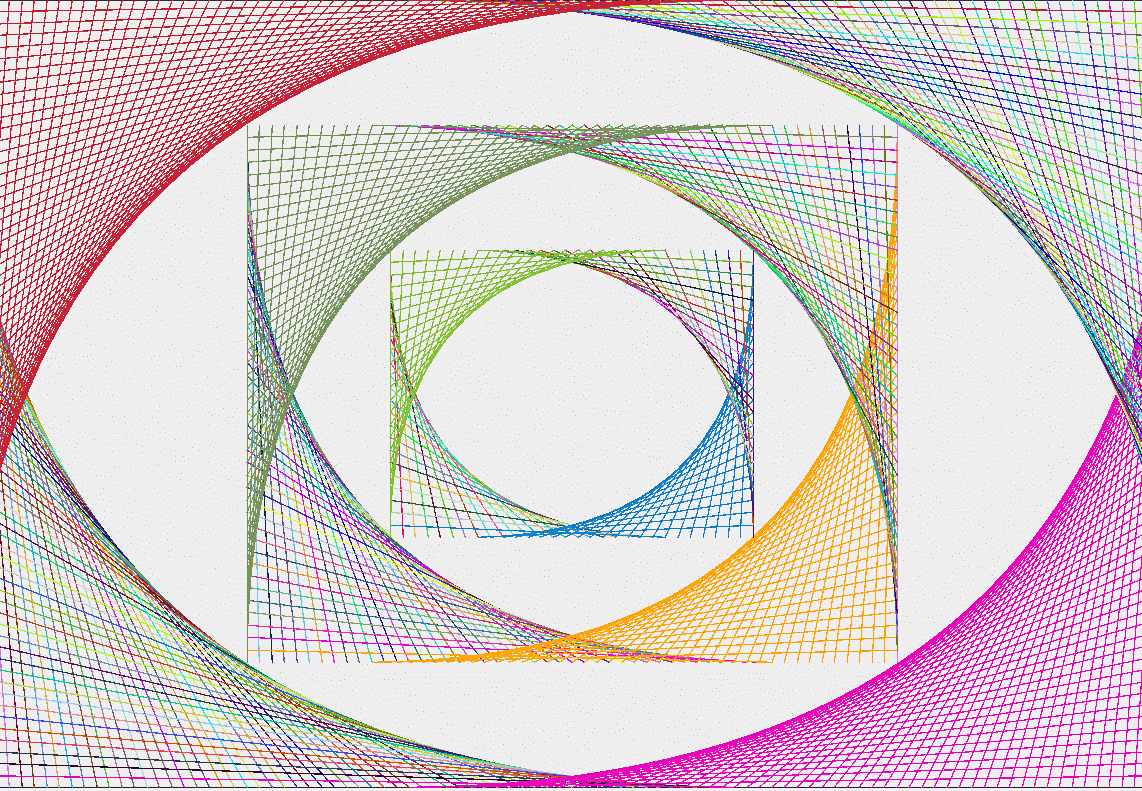
For the lab that accompanied the lesson on loops, we were given a picture, and we had to use the graphics class to draw that picture using loops. In this lab, we also had the opportunity to practice using different colors. I used the Random class to randomize the colors of each line. In addition, after creating the outside perimeter of the picture, I tried to duplicate it again on the inside. I tried to use loops to make the picture repeat multiple times inside one another, but was only able to have the loop successfully run twice. To see my code, click here.